
Dear Users,
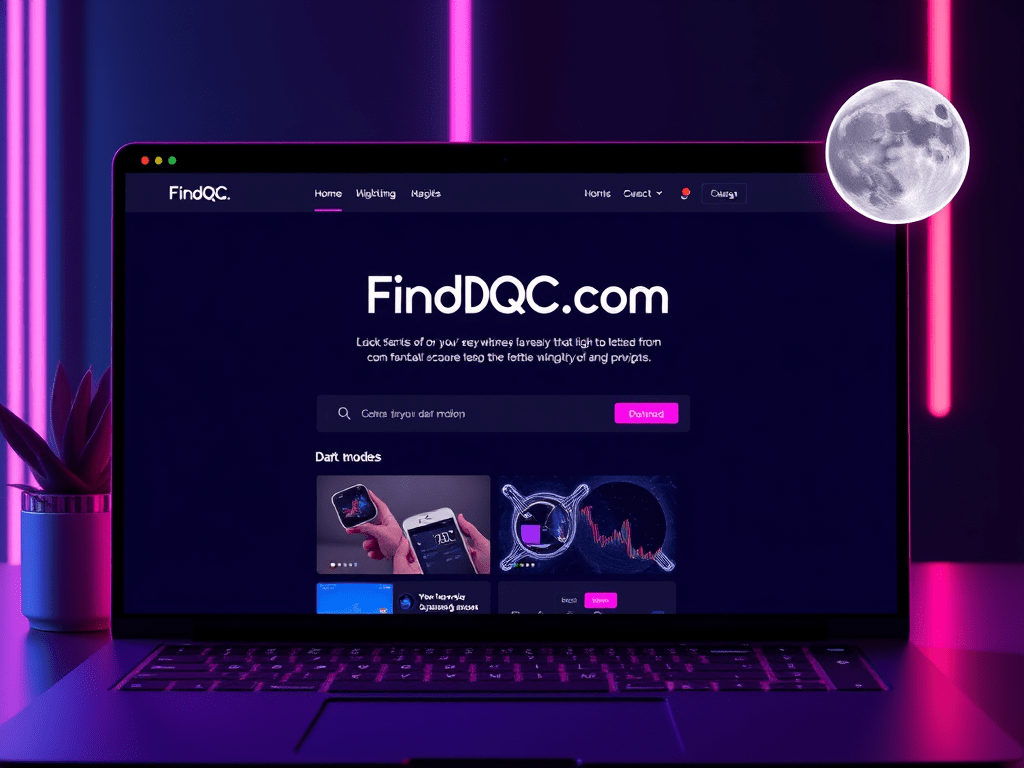
We’re excited to announce that FindQC.com now supports Dark Mode, offering a more comfortable browsing experience, especially at night! 🎉
Feature Highlights:
- Eye-Friendly Design: A softer, darker theme to reduce blue light and prevent eye strain during nighttime use.
- One-Click Switch: Click the moon icon in the top-right corner of the website. This lets you toggle between dark mode and light mode. It adapts to your needs in any environment.
How to Enable:
- Visit the FindQC.com website.
- Click the moon icon in the top-right corner to turn on Dark Mode.
- Click the moon icon again to switch back to Light Mode.
We are committed to improving your user experience and look ahead to your feedback and support! Visit FindQC.com now and try out this new feature! ✨
Thank you for supporting FindQC.com!
Best regards,
The FindQC.com Team
 FindQC Academy
Leave a comment